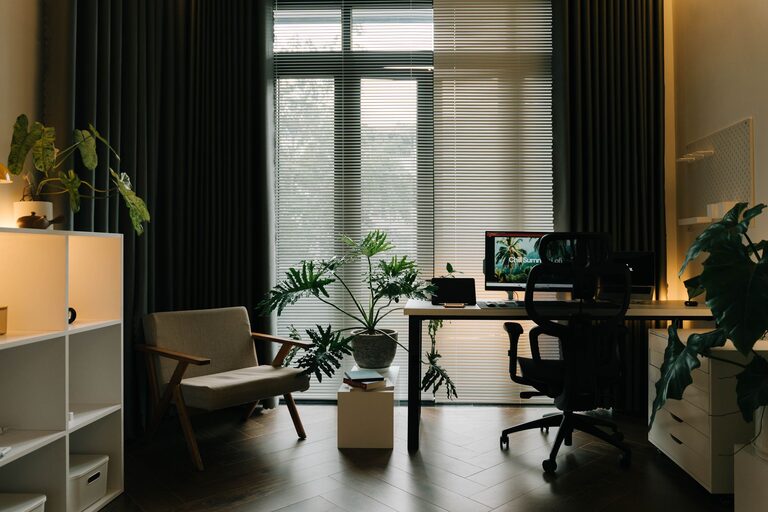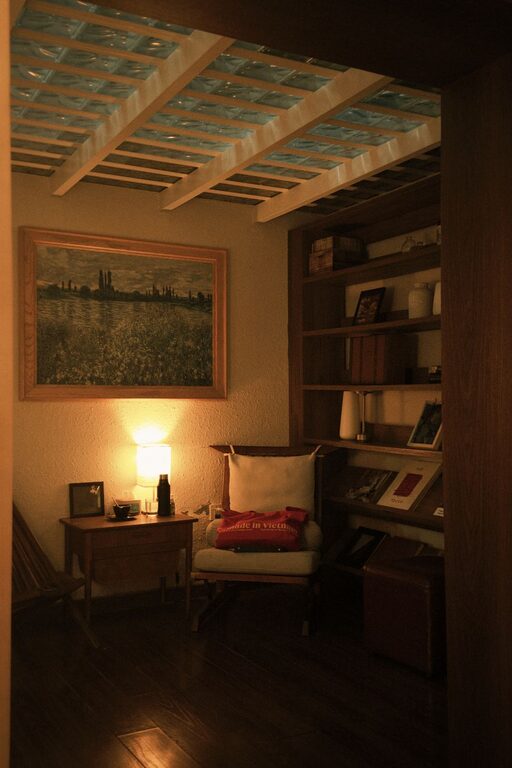

Creating a dedicated and productive home office environment can significantly impact your work quality and overall well-being. Whether you’re working remotely full-time, freelancing, or just need a quiet space to focus, setting up an efficient workspace is key. Here are some practical tips to help you design a home office that supports focus, comfort, and productivity.
Choose the Right Location
Find a Quiet and Comfortable Spot
Select a space in your home that is relatively quiet and free from distractions. A spare room, a corner in the living room, or even a part of your bedroom can work as long as it offers some separation from household noise and activity.
Consider Natural Light
Natural light boosts mood and energy. Set up your desk near a window to enjoy daylight, but avoid direct glare on your computer screen. If natural light is limited, supplement with good quality desk lamps or overhead lighting.
Invest in Ergonomic Furniture
Select a Comfortable Chair
A supportive chair is crucial for long hours of sitting. Look for adjustable features like height, lumbar support, and armrests to maintain good posture and avoid back pain.
Use a Functional Desk
Choose a desk with enough surface area to hold your computer, notebook, and other essentials without clutter. Standing desks or adjustable desks are becoming popular for adding flexibility to your work routine.
Organize Your Workspace
Minimize Clutter
Keep only the items you need for daily work on your desk. Store supplies like pens, chargers, and notebooks in drawers or organizers to keep the surface clean and orderly.
Implement Storage Solutions
Shelves, filing cabinets, and storage boxes help keep paperwork and office materials organized. Label boxes and files to find documents quickly and avoid spending time searching.
Set Up Technology Efficiently
Optimize Your Internet Connection
A reliable internet connection is necessary for smooth video calls, downloading files, and online research. Consider upgrading your plan or using a wired connection to avoid disruptions.
Arrange Your Equipment
Position your computer monitor at eye level to reduce neck strain. Use a keyboard and mouse that feel comfortable and consider noise-cancelling headphones if you’re in a noisy household.
Create a Routine and Boundaries
Define Work Hours
Set consistent start and finish times to help separate work from personal life. Communicate these times with others at home to minimize interruptions.
Take Regular Breaks
Use techniques like the Pomodoro method—working for 25 minutes, then taking a 5-minute break—to maintain focus without burnout. Use breaks to stretch, hydrate, or step outside briefly.
Personalize Your Space
Add Inspiring Elements
Decorate your office with plants, artwork, or photos that make you feel motivated and comfortable. A touch of greenery can improve air quality and create a calming atmosphere.
Keep Essentials Within Reach
Place frequently used items such as your planner, pens, and water bottle nearby to avoid unnecessary trips away from your desk.
Maintain Good Habits
Keep the Space Clean
Take a few minutes at the end of each day to tidy your workspace. A clean environment reduces stress and helps you start fresh the next day.
Stay Hydrated and Nourished
Keep a water bottle on your desk and eat healthy snacks to maintain energy levels. Avoid working through lunch to give yourself a proper break.
Manage Distractions
Use Noise Control Tools
If household sounds are distracting, consider white noise machines or ambient music playlists that help you concentrate.
Set Rules for Others
If you live with family or roommates, clearly communicate your work schedule and ask for support in minimizing disturbances during key work hours.
Final Thoughts
Building a productive home office environment requires thoughtfulness and consistency. By choosing the right location, investing in comfortable furniture, keeping your space organized, and maintaining clear routines, you can create a workspace that promotes focus and efficiency. Remember, your home office should be a place where you feel motivated and ready to work, so don’t hesitate to personalize it to suit your style and needs. Small changes can lead to big improvements in your workday productivity.
With these tips, you’re well on your way to turning your home office into a productive and enjoyable workspace. Happy working!