Creating a home office that is both cozy and productive can significantly improve your work-from-home experience. Whether you are a remote employee, freelancer, or running a small business, your workspace plays a crucial role in your daily motivation and efficiency. This guide offers practical tips to help you design a home office that encourages focus and comfort.
Choose the Right Location
Consider Natural Light
Select a spot with ample natural light, if possible. Sunlight boosts mood and energy levels, reducing eye strain when working for long hours. Place your desk near a window but avoid glare on your computer screen.
Minimize Distractions
Pick a quiet area away from high-traffic zones in your home. A dedicated space helps delineate work time from personal time, supporting better concentration.
Invest in Comfortable Furniture
Ergonomic Chair
An ergonomic chair is essential for comfort and spinal health. Look for adjustable height, lumbar support, and cushioning to keep you comfortable during long sessions.
Functional Desk
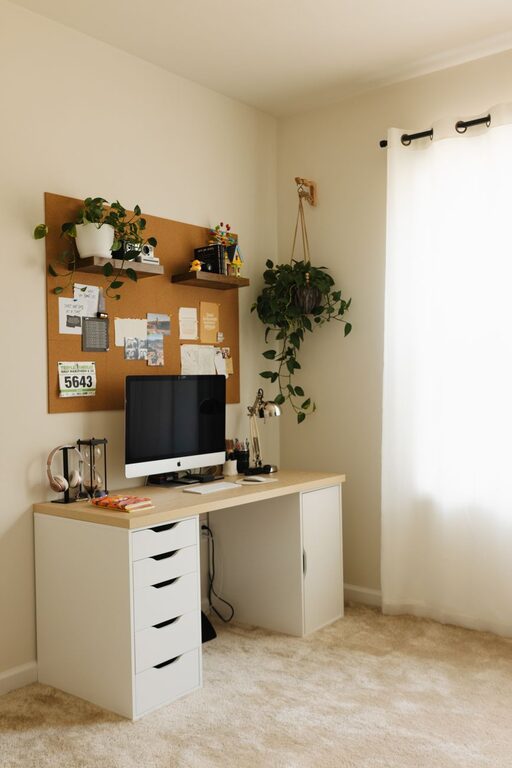
Choose a desk that fits your needs, whether it’s a compact table or a larger workstation. Ensure there’s enough surface area for your laptop, monitor, and other essentials without clutter.
Optimize Your Workspace Layout
Declutter Regularly
Keep your desk tidy to reduce stress and increase focus. Use organizers, trays, or drawers to manage paperwork and small office supplies.
Arrange Tools Within Reach
Place frequently used items like pens, notebooks, or your phone close by to avoid unnecessary interruptions while working.
Enhance Lighting
Combine Natural and Artificial Lighting
In addition to daylight, use task lighting such as desk lamps with adjustable brightness. Proper lighting reduces eye fatigue and creates a warm atmosphere.
Adjust Color Temperature
Opt for soft white or daylight bulbs to mimic natural light, which helps maintain alertness and comfort.
Add Personal Touches for Comfort
Incorporate Plants
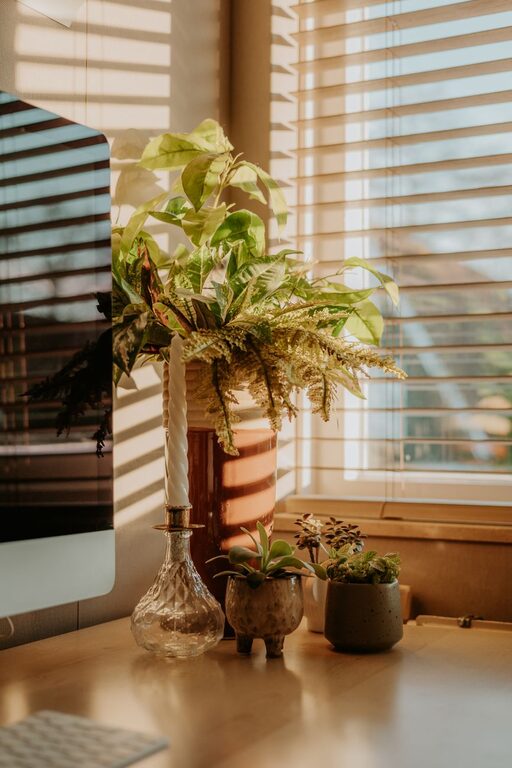
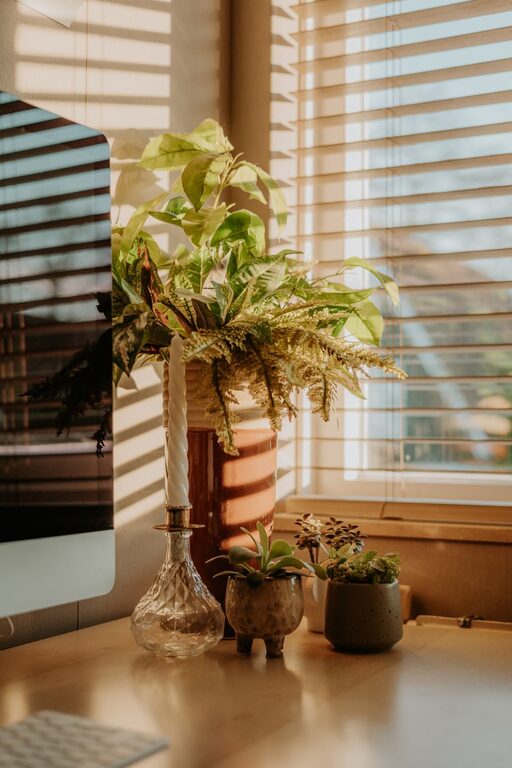
Indoor plants improve air quality and provide a calming effect. Small potted plants or succulents are low-maintenance options that brighten your workspace.
Decorate Thoughtfully
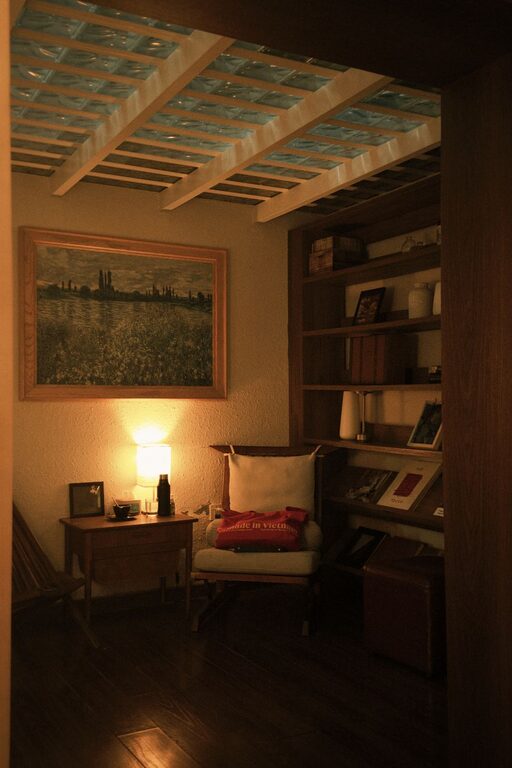
Add artwork, photos, or other items that inspire and motivate you without cluttering the space. Choose colors and decor that make you feel relaxed and happy.
Manage Noise Levels
Use Noise-Cancelling Headphones
If your environment can be noisy, invest in noise-cancelling headphones or earbuds. They help block distractions and create a focused sound environment.
Consider Soundproofing
Use rugs, curtains, or acoustic panels to absorb sound and reduce echo, especially if your workspace shares walls with noisy rooms.
Organize Digital Files
Maintain an Efficient Workflow
Keep your computer desktop and files organized for quick access. Use cloud storage services to back up important documents securely.
Utilize Productivity Tools
Apps for task management, calendars, and note-taking can help you stay on track and manage priorities efficiently.
Establish a Routine
Set Clear Work Hours
Define when your workday starts and ends. Keeping a schedule helps balance productivity and personal time.
Take Breaks
Incorporate short breaks to stretch, hydrate, and rest your eyes. Regular movement can prevent fatigue and improve focus.
Maintain Good Air Quality and Temperature
Ventilate Your Workspace
Open windows when possible or use an air purifier to keep fresh air circulating, helping you stay alert and comfortable.
Keep a Comfortable Temperature
Use fans, heaters, or an adjustable thermostat to maintain a temperature that suits your preference, generally between 68–72°F.
Final Thoughts
Designing a home office that feels both cozy and productive takes some planning but is well worth the effort. By focusing on comfort, lighting, organization, and minimizing distractions, you can create a space that enhances your work performance and overall well-being. Remember, your home office should reflect your personality and work style, making it a place you look forward to spending time every day.