
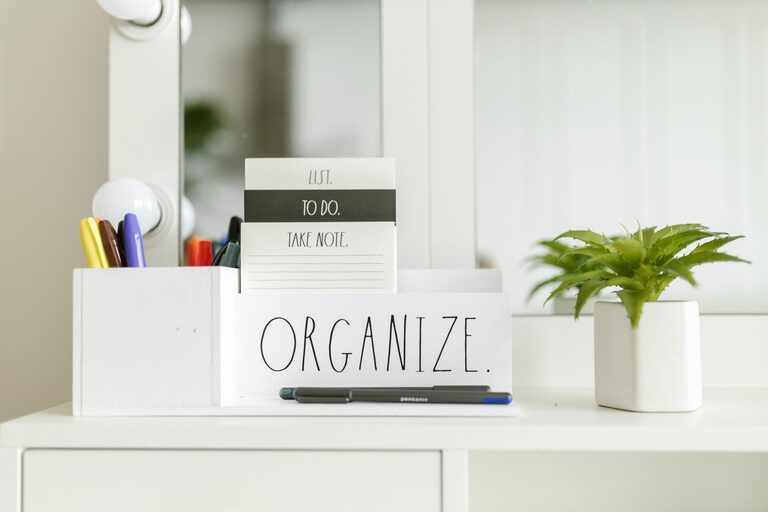
Setting up an efficient and enjoyable home workspace is essential for anyone working or studying from home. A well-organized area not only helps you stay focused but also boosts your overall productivity and comfort. Whether you have a dedicated room or a small corner, these tips will help you create a successful home workspace tailored to your needs.
Choose the Right Location
Consider Natural Light
Selecting a spot with plenty of natural light can improve your mood and reduce eyestrain. Position your desk near a window if possible, but avoid direct glare on your computer screen. If natural light is limited, invest in good quality, adjustable artificial lighting to keep your workspace bright.
Minimize Distractions
Find a quiet area where you can focus without interruptions from household activities, TV, or loud noises. If you live with others, communicate your working hours to help reduce distractions. Using noise-canceling headphones can also create an audio barrier to improve concentration.
Invest in Comfortable Furniture
Ergonomic Chair
A comfortable, ergonomic chair supports your posture and prevents back and neck pain during long work hours. Look for chairs with adjustable height, lumbar support, and breathable materials.
Functional Desk
Choose a desk that fits your space and provides enough surface area for your computer, documents, and accessories. Consider desks with built-in storage or adjustable heights if you prefer switching between sitting and standing.
Organize Your Supplies Effectively
Declutter Regularly
A tidy workspace promotes focus and reduces stress. Take five minutes at the end of each day to clear your desk, putting away unused items and organizing papers.
Use Storage Solutions
Incorporate organizers like shelves, bins, drawer dividers, and filing cabinets to keep everything in its place. Label boxes or folders to quickly find important documents. Vertical storage helps maximize limited space.
Keep Essentials Within Reach
Keep frequently used items such as pens, notebooks, and chargers close to your desk. Using desk organizers or small containers prevents clutter while maintaining accessibility.
Set Up Technology Thoughtfully
Manage Cables
Tangled cords can add to clutter and pose hazards. Use cable clips, ties, or sleeves to keep wires neat and out of the way.
Optimize Screen Setup
Position monitors or laptops at eye level to avoid neck strain. If you use multiple screens, arrange them to reduce head movement and improve workflow.
Invest in Good Equipment
Reliable technology like a fast internet connection, quality keyboard, mouse, and webcam can enhance your work experience and minimize frustrations.
Create a Pleasant and Personalized Environment
Add Greenery
Plants improve air quality and add a calming element to your workspace. Choose low-maintenance varieties if you don’t have a green thumb.
Use Inspiring Decor
Personalize your area with art, photos, or motivational quotes that encourage productivity while keeping it professional and clutter-free.
Manage Temperature and Airflow
Ensure your workspace is comfortable by controlling room temperature and ventilation. Consider a small fan or heater if needed.
Establish Clear Boundaries and a Routine
Define Work Hours
Set specific times for starting and ending your workday. This helps separate professional tasks from personal time, reducing burnout.
Take Regular Breaks
Short breaks every hour help maintain focus and reduce fatigue. Stretch, walk around, or do a quick relaxation exercise.
Create a "Shutdown" Ritual
At the end of the day, turn off your computer, tidy your workspace, and plan tasks for tomorrow. This routine signals the end of work and helps maintain work-life balance.
Maintain Your Workspace Over Time
Regular Deep Cleaning
Schedule weekly or monthly deep cleans of your workspace, including dusting, wiping surfaces, and vacuuming.
Update Organizational Systems
Periodically review and adjust your storage methods to accommodate changing needs or to improve efficiency.
Stay Mindful of Ergonomics
As your work habits or furniture change, reassess your setup to maintain comfort and prevent strain.
—
By thoughtfully designing and organizing your home workspace, you create a foundation for effective remote work or study. A space that reflects your style and supports your needs will help you stay motivated, focused, and comfortable throughout your day. Start small with simple changes and gradually build a workspace that works best for you.